Recognition & Rewards
- Drive engagement, productivity, and employee well-being with a social recognition system that makes giving and receiving feedback easy and meaningful.
- Bullseye’s Recognition & Rewards software enables managers and employees to share positive feedback, automatically celebrate milestones, assign reward points, and redeem rewards through customizable catalogs or third-party providers, all while tracking results with detailed reports and analytics.
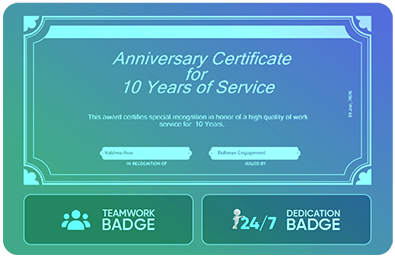
Without a structured recognition system, employees may feel undervalued, engagement can drop, and turnover may increase. Positive reinforcement and timely acknowledgment are often inconsistent or overlooked.
Without a structured recognition system, employees may feel undervalued, engagement can drop, and turnover may increase. Positive reinforcement and timely acknowledgment are often inconsistent or overlooked.
How It Works
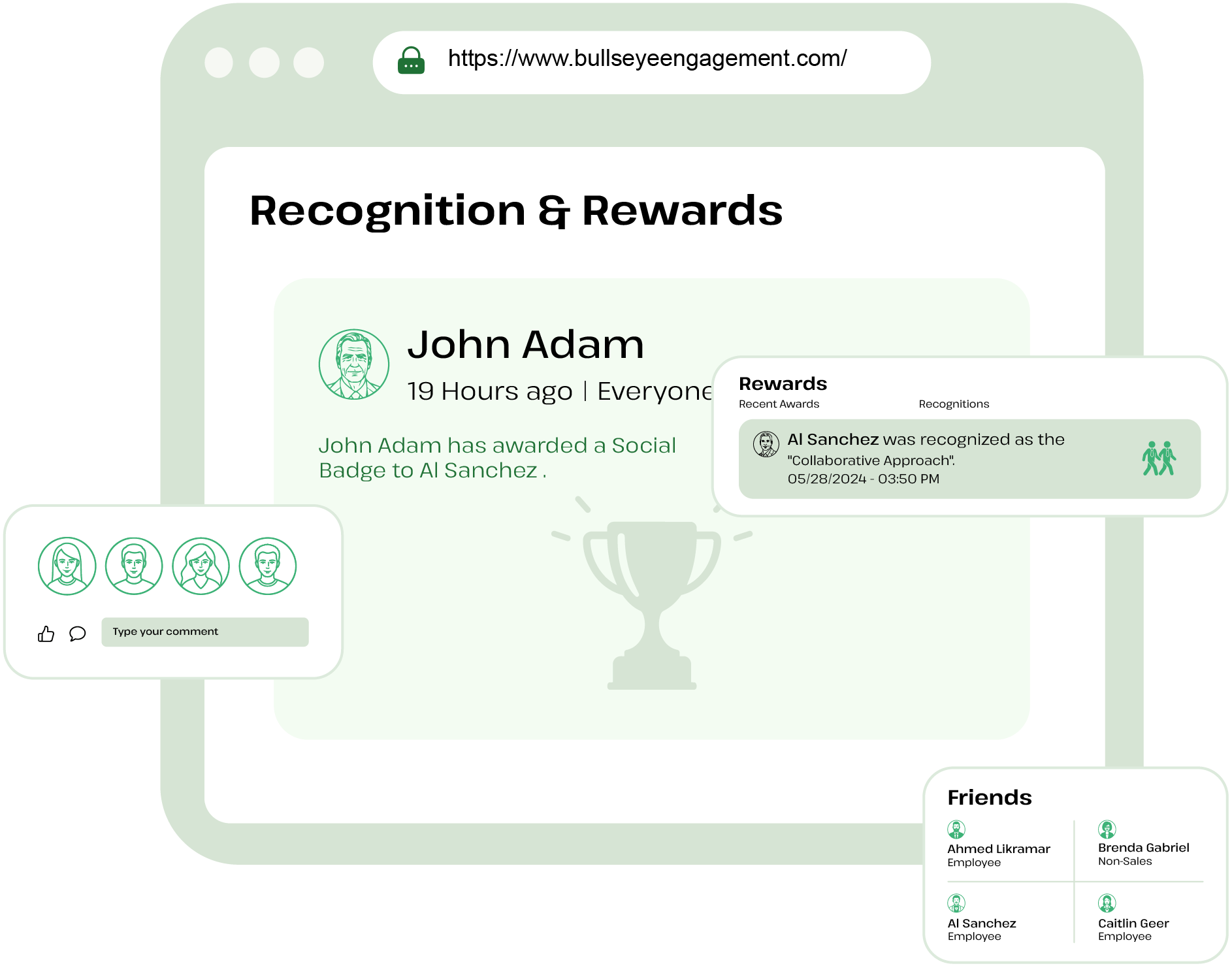
- Share recognition through posts with configurable employee groups
- Automatically recognize birthdays and years of service
- Redeem rewards via internal catalogs or third-party fulfillment providers like Amazon
Outcomes/Client Results
Streamlined reward allocation and redemption processes
Increased employee engagement and morale
Lower turnover by acknowledging contributions and milestones
Make recognition consistent and visible with simple rewards workflows—so
employees feel valued, engagement rises, and retention improves over time.
Frequently Asked Questions
The Rewards & Recognition module enables organizations to acknowledge and reward member achievements, contributions, and behaviors that align with company values and objectives.
Recognition Badges are used to acknowledge member achievements, behaviors, or contributions, while Reward Badges may be tied to incentives, rewards, or gift redemption programs configured by the organization.
Only users with the required administrative permissions can create badges, manage budgets, configure rewards, and assign gifts.
Yes, the system maintains a history of assigned badges and gifts, allowing administrators and authorized users to track recognition activities.
The Assign Gifts feature allows authorized users to assign gifts or rewards to members as part of a recognition program.
Yes, budgets can be allocated based on the organization's configuration, allowing designated users to distribute rewards within their assigned budget limits.
The Budget tab allows administrators to allocate and monitor recognition or reward budgets to ensure spending remains within approved limits.
Member can redeem their points for prizes that are configured and fullfilled by the administator. Bullseye does not fullfil redeemed points.
Yes, users with the appropriate permissions can use the Modify Budget option to update budget allocations, dates, and other budget settings as required.
Yes, administrators can update the budget frequency based on organizational requirements, subject to system permissions.
Yes, if the Budget Points Carry Forward option is enabled, any unused points will be carried over to the next budget cycle.
Yes, administrators can modify the budget and increase the allocated points if needed.