Performance Management
- Streamline appraisals and align employee performance with organizational objectives through configurable, easy-to-use performance management tools.
- Our Performance Management software supports multiple appraisal formats, including manager, self, peer, team, and 360 reviews, while allowing configurable criteria, rating scales, and workflows. Integration with performance goals ensures appraisals reflect company objectives.
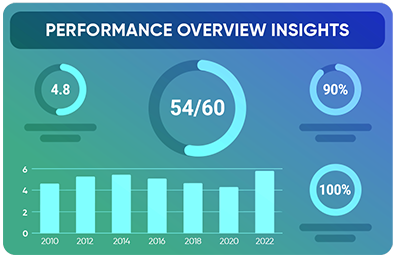
Manual or poorly structured performance management processes are time-consuming, inconsistent, and misaligned with organizational goals, limiting actionable insights and reducing employee engagement.
Manual or poorly structured performance management processes are time-consuming, inconsistent, and misaligned with organizational goals, limiting actionable insights and reducing employee engagement.
How It Works
- Create or import a competency library (general, third-party, or customer-developed)
- Set target competency levels for roles and assess employees against them
- Track competency development over time and across employee careers
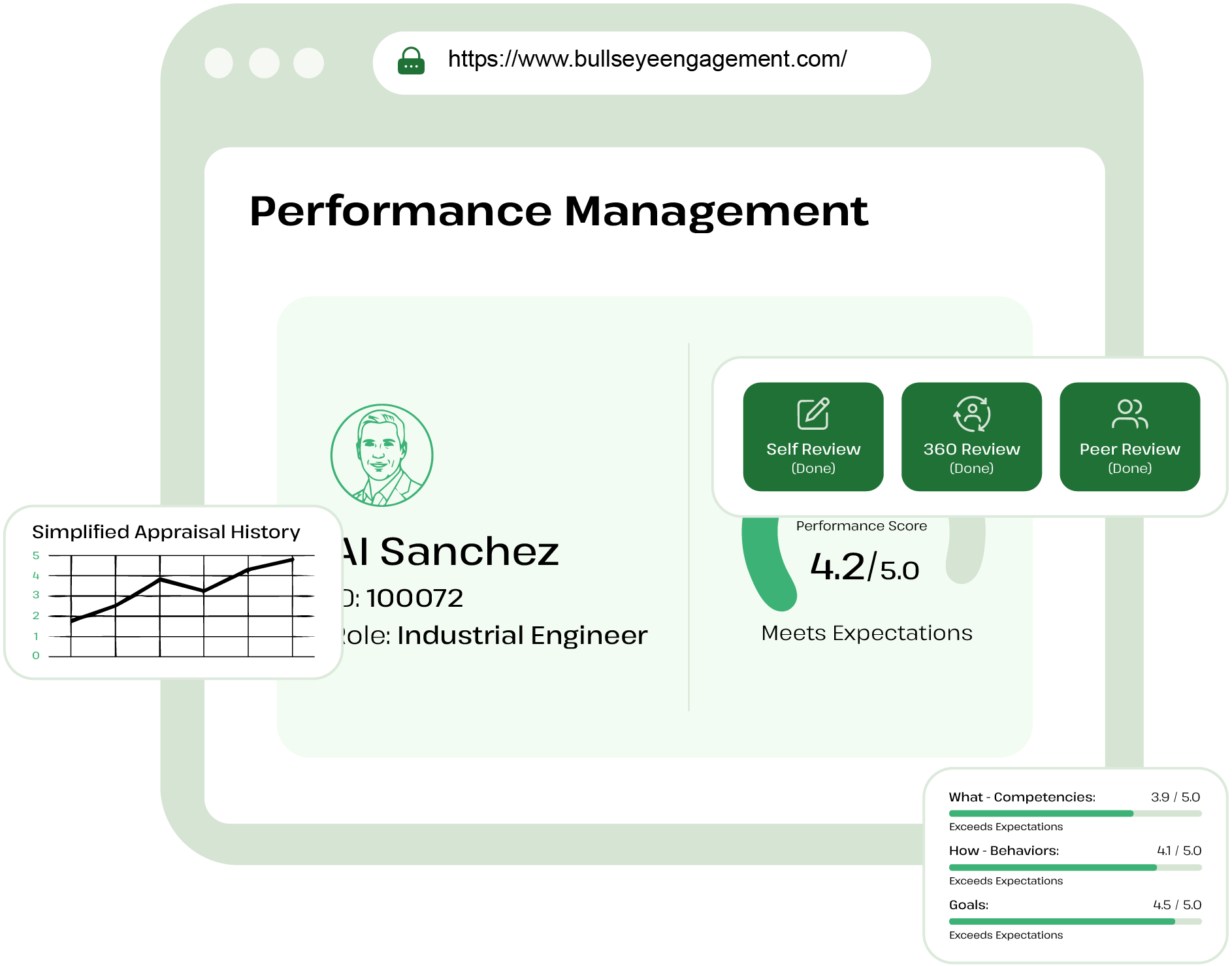
Outcomes/Client Results
Targeted development of employee competencies for current and future roles
Clear visibility into skill gaps and surpluses across the organization
Enhanced employee engagement through career pathing and skill growth
Run consistent, configurable appraisal cycles with clear criteria and
visibility—so performance conversations improve and decisions stay aligned to business goals.
Frequently Asked Questions
Appraisal workflows are fully configurable and can be individualize by user, department, location, heiarchy or other grouping via the appraisal auto assignment. The appraisal workflow begins once the manager a review is submitted with all other applicable reviews (Self, Peer, Team, 360) and allows for an Approval, Sign Off or Feedback. Approval allows for the workflow member to approve or reject the manager review submitted. Rejected reviews are sent back to the manager who completed the manager review to make their changes. Sign Off allows for the assigned workflow member to review the submitted reviews and Sign Off. This is often used as a placeholder. Feedback allows for the member being assessed on the manager review to review the manager review and submit their Acknowledgement or review Agreement or Disagreement with comments.
Manage All Appraisal dashboard allows for privleged users to view the entire life cycle of the performance review for members. You can see which reviews are due to be assigned, reviews that are assigned and their progress, which reviews are in which stage in the workflow, completed reviews and those reviews that are archived.
OKRs and Goals can be imported into a members performance review. This is set up when configuring the performance critiera so that when a reviews are launched, the system will automatically pull in the OKRs or Goals into the performance review to be assessed. OKRs and Goals can also be viewed directly in the assessment screen when completing a performance review.
Appraisal Auto Assignment can be used to set up instructions for the system to auto assign Manager, Self and 360 reviews for individual members or groups of members. With the Appraisal Auto Assignment all you need to do is set your Next Appraisal Date and the system will assign the performance review to the members configured, the performance criteria and the workflow.
Bullseye eliminates subjectivity, by allowing data to be easily accessible while completing a performance review so that the reviewer can easily make a fair assessment. Reviewer have easy access to view Check In, Goals, Notes, TDP (Talent Development Plans), Trainings, Competencies, Documents, Past Performance Review, and other reviews that are assigned (Self, Team, Peer, 360) before making their submissions. Required comments for outliers can be configured in the Performance Criteria for further justification and Approval Workflows can be configured to the customer's needs to help eliminate subjectivity.
Peer reviews in Bullseye are reviews that a member receives on another member that have the same permission roles. System considers users who share the same priveleges roles peers.
Team reviews in Bullseye are reviews that a member receives on another member that are not limited by any factor. Team reviews are not filtered and Administrator or Manager for the person being assessed can choose anyone in the system to receive a Team review.
360 Reviews in Bullseye are reviews that a member receives to complete on their direct supervisor or manager. These are annoymous and names can be hidden via system settings. 360 reviews can be auto assigned via Appraisal Auto Assignment or manually by a system administrator or by the direct supervisor/manager of the member being assessed.
Customers can choose a Likert Scale from 3-6 ratings. This scale can also be configure further to display Hard or Soft rating in a performance reivew. Hard rating displays the score by number and Soft rating displays just the rating terminology of the Likert Scale recieved. Please not Soft Rating rounds the average rating score to the closes whole score.
During implementation, sample templates of best practices are provided.
On Demand reviews are performance reviews that are outside the normal review cycle established by the organization. These are reviews conducted ad hoc by the direct manager.
Performance criteria are very configurable and allows for criterias questions or competencies to be tailor to the review type. One criteria can be used for Manager, Self, Peer, Team and 360 reviews without having to create separate instances for each one.
Members have various options to run reports on a performance review. Reports available but not limited to Performance Summary, Individual PDF, At-A-Glance, Manage All Appraisal, and Appraisal Status.